Deep Dish Dungeon
Deep Dish Dungeon co-op guide: players, crossplay and saves
Play Deep Dish Dungeon with up to two friends. Check crossplay, invitation options, recipe discoveries and the move from Demo saves to the full game.
· 1.0.50.0
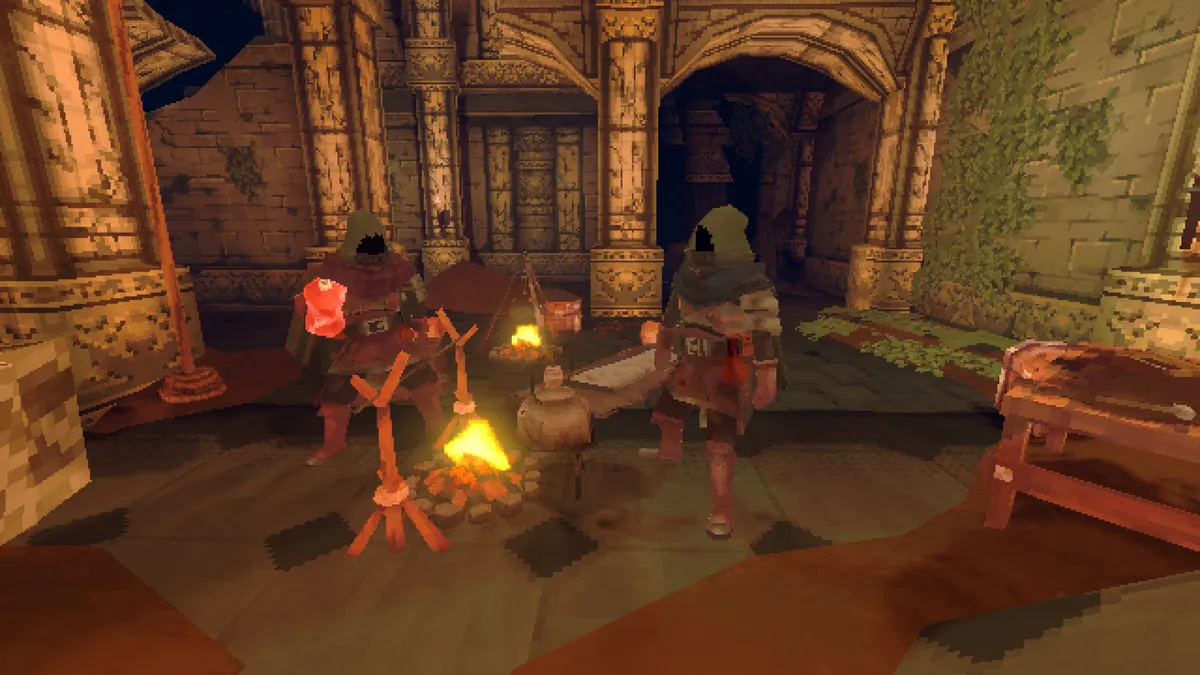
Deep Dish Dungeon supports online co-op for three players total: you and up to two friends. Crossplay is supported. Invite through Steam or the game's lobby flow, and let everyone pick up newly discovered materials. Demo saves do not transfer to the full release, so plan to begin again when upgrading.
How many people can play together?
Three players total can explore together: the host and two friends. You can also play alone or with just one other person. The publisher’s FAQ says the puzzles, exploration and survival are balanced around groups of one to three.
A fourth player cannot join that party. When planning a group, count the person starting the session as one of the three places.
Does Deep Dish Dungeon support crossplay?
Yes. The publisher’s official FAQ confirms crossplay. It lists Steam on Windows and macOS, Xbox Series X|S, Xbox on PC, Xbox Cloud Gaming and Game Pass availability.
This makes the game an option for friends buying through different supported storefronts. Crossplay answers who can join a session; the separate question of carrying a save into the full game is covered below.
How do you invite a friend?
On Steam, invitations are available through Steam itself and through the game’s lobby flow. Start with one player hosting the session:
- Have the host start the game and open a session for the group.
- Send invitations through Steam or use the game’s lobby invitation and joining options.
- Have the other one or two players join that session. If it has a password, give them the same password.
- Check that the whole group has arrived before heading farther into the dungeon.
For friends on different platforms, use the game’s lobby options. Steam’s friends list covers Steam contacts, so a Steam invitation is not the route for every crossplay group.
Why are my friend’s recipes missing from my menus?
New discoveries can be character-specific. If one player has been carrying a tool or ingredient, another character may still need to pick it up before seeing the recipes it reveals.
Pass new materials and tools around the group, then have each person check the correct crafting station. A Cooking Table recipe belongs at that table; looking only in your character’s regular Crafting menu can hide the answer.
The cooking and recipe-unlock guide explains the stations and the current Leather prerequisite for the Cooking Table.
Do Demo saves transfer to the full game?
No. The publisher confirms that a Demo save does not carry over to the full release. You will begin a new full-game run, even if you spent time building a camp in the Demo.
Older Demo descriptions saying that saving is unavailable are outdated: the developer added Demo saving in June 2026. Being able to save that Demo run still does not make it transferable.
The full game has manual saving and options to save while returning to the main menu or quitting. Save the session before everyone leaves. Version 1.0.50.0 also adds a backup of the last good world save and fixes problems with saving during loading or before a character is ready.
What if the lobby appears twice or a guest’s bow behaves incorrectly?
Update to 1.0.50.0 first. The October 21 patch specifically fixes duplicate lobby listings and guest bow damage and aiming problems. It also adds the host’s ability to remove a player.
Check the official patch notes when comparing a launch-week report with the current game. For a connection problem that remains, note which platforms are involved and whether joining through the lobby or a Steam invitation fails; those details make a report more useful than “multiplayer does not work.”
Read the Deep Dish Dungeon overview for the exploration loop, camp systems and all current guides.